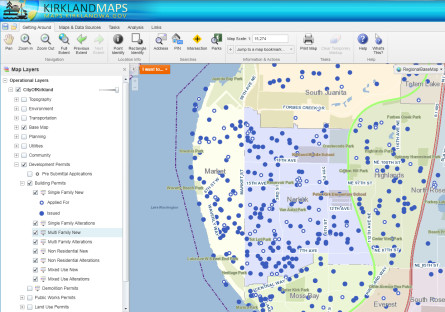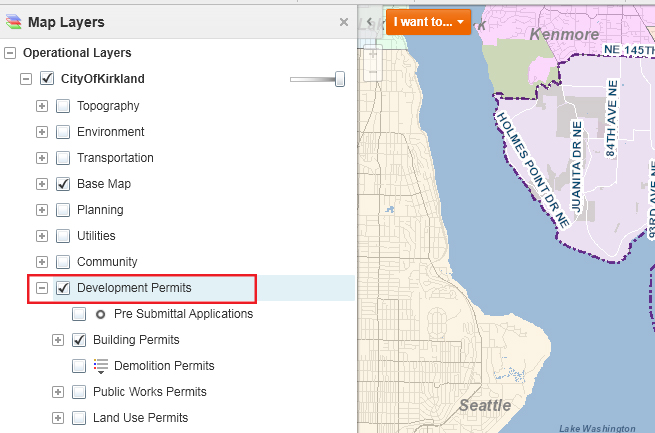
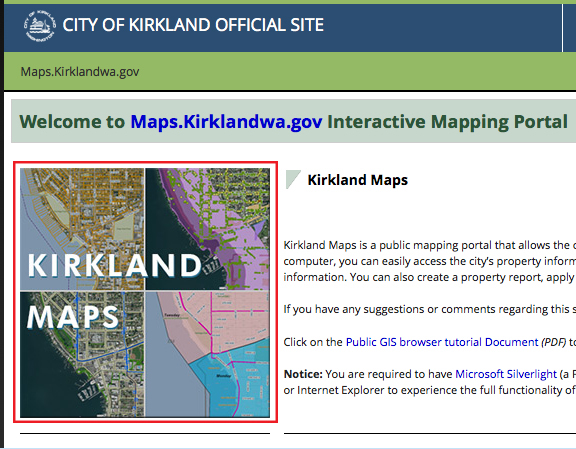
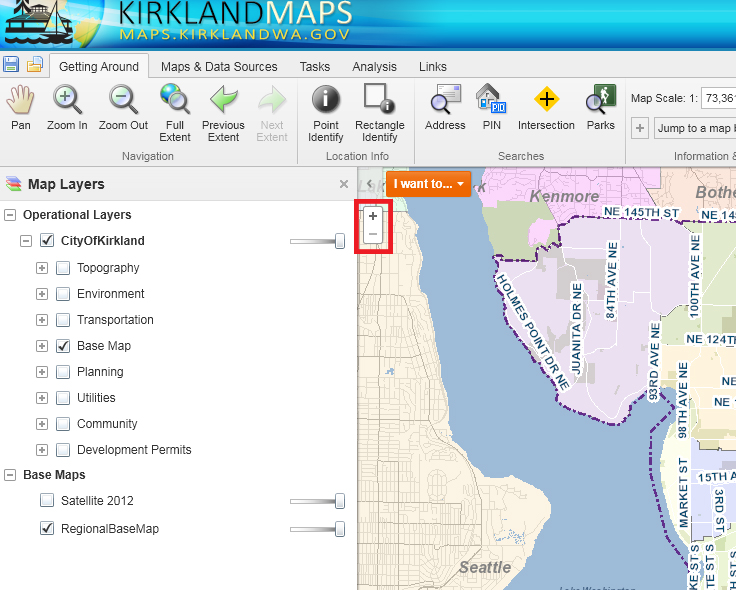
Red highlight shows the link to Kirkland Maps
Neighborhood Leaders:
Have you missed the Hot Sheet?
This new tool replaces the Hot Sheet – and provides you with up-to-date information on all developments (large and small) in the Kirkland permitting process. It is easy to access the information. Just following the instructions below. Give this a try and let us know if you have any questions.
Click here: http://maps.kirklandwa.gov – then click on the map titled KIRKLAND MAPS (shown at right). There are also tutorials on this page.
By Parcel
View all permit information on a property.
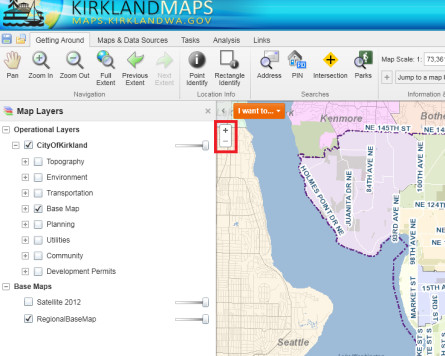
- Zoom into Parcels – select an area on the map and zoom into that property. Zoom by double clicking on the map or using the + button.
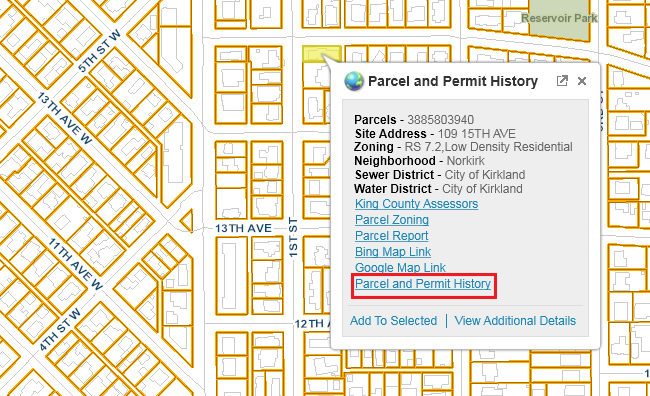
- Left-click on the property lot and an info box will display.
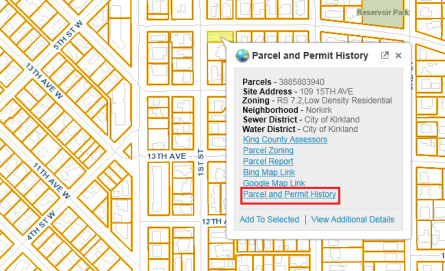
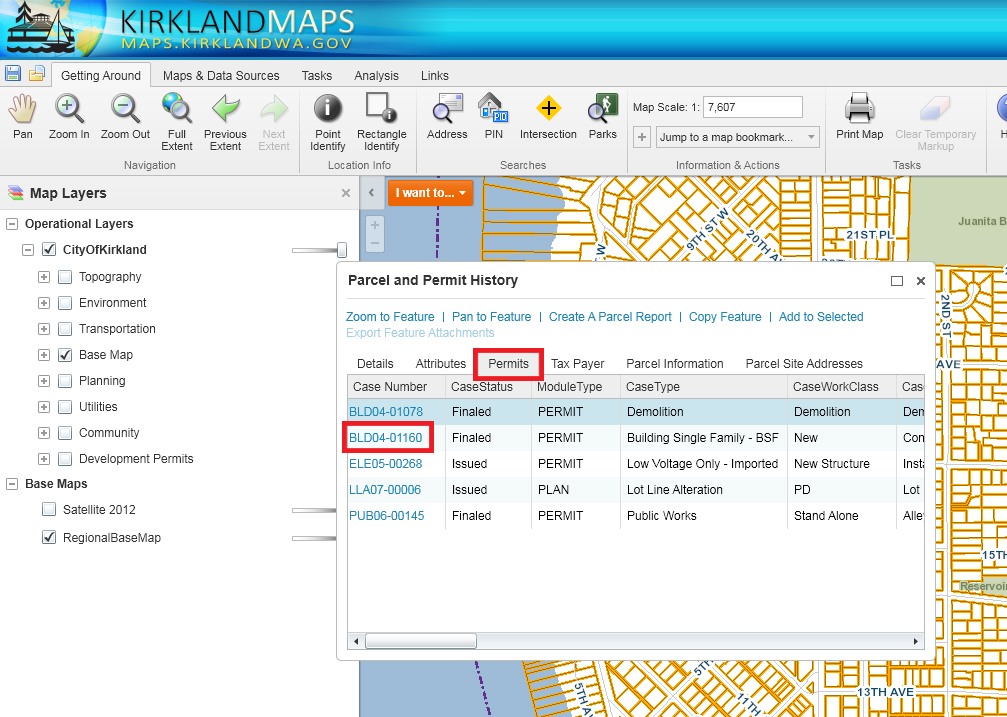
- Click on the “Parcel and Permit History” and a new window will appear listing permits available from MBP.
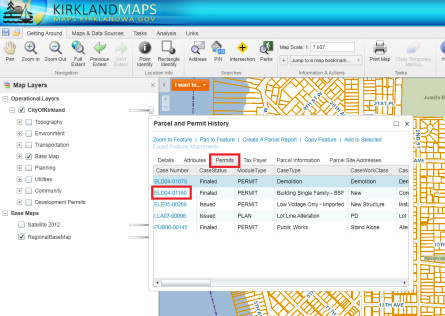
- Click on the Case Number, it will open permit details from MBP. Please note: there are multiple tabs on this window. You can navigate around different tabs and browser remembers the last tab you visited.
By Neighborhood/Area
View permit activities around a neighborhood
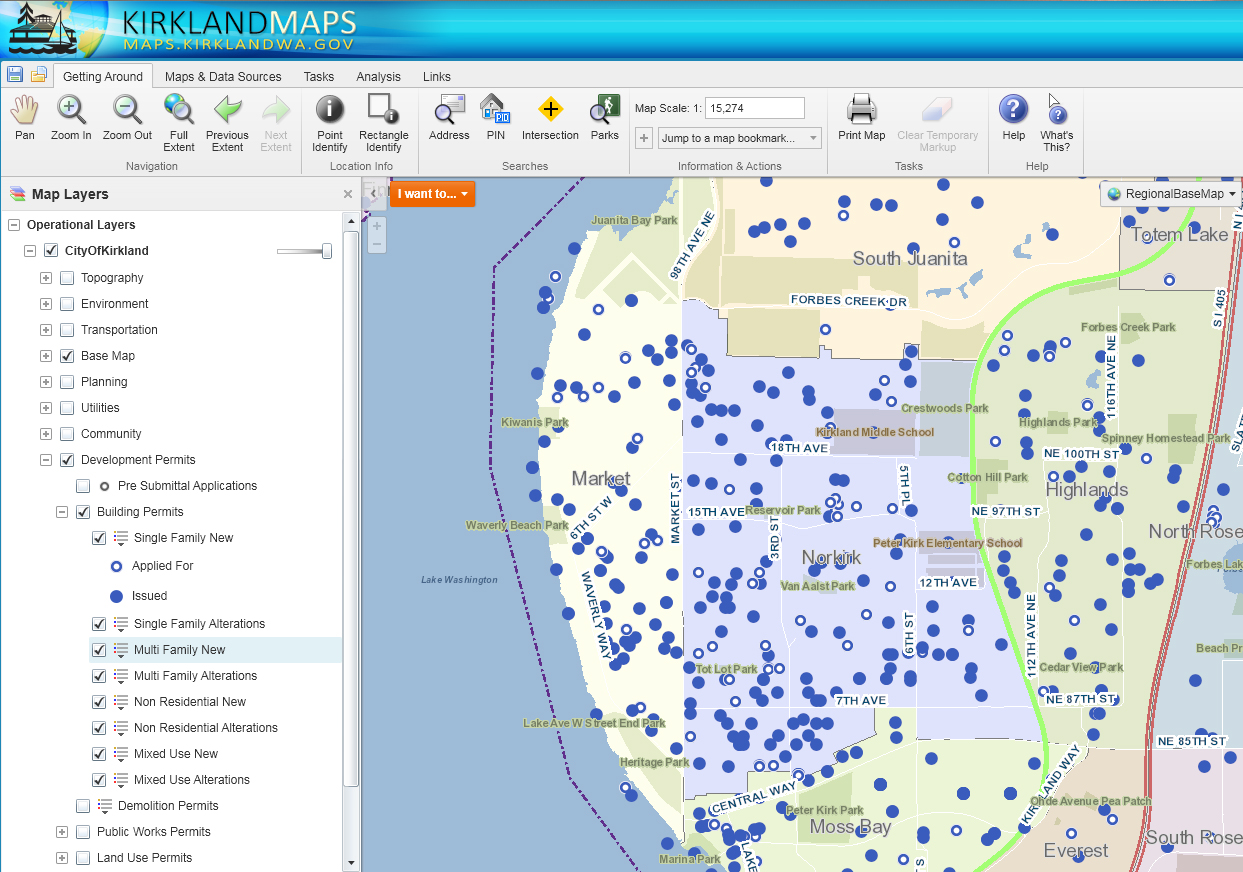
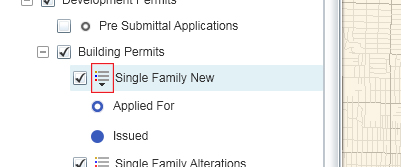
- Check the Development Permits checkbox
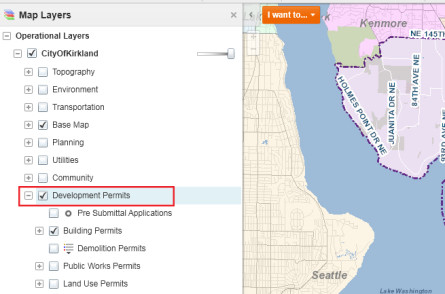
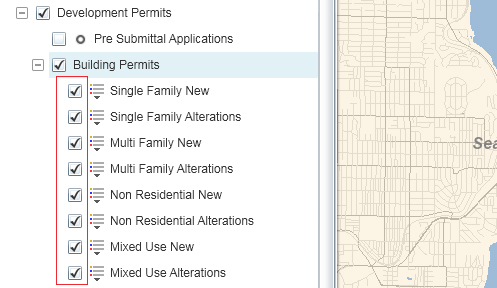
- Click on the +/- sign to expand or collapse the group layers
- Check or uncheck the layer to display the type of permits
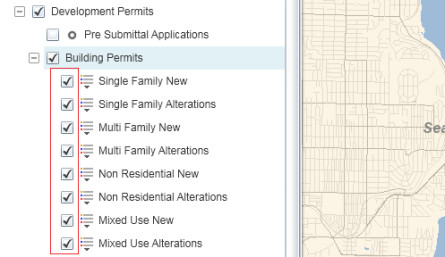
- Click the legend arrow to see the map legend.
 Map shows the selected types of permits, zoom in for more detail. Note: Dots on the map indicate permitting activities.